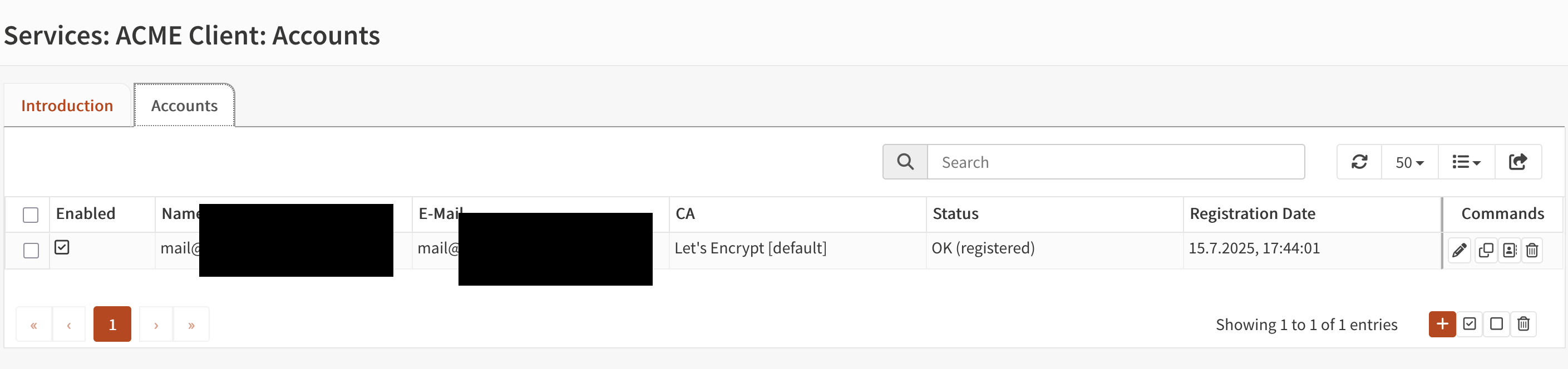
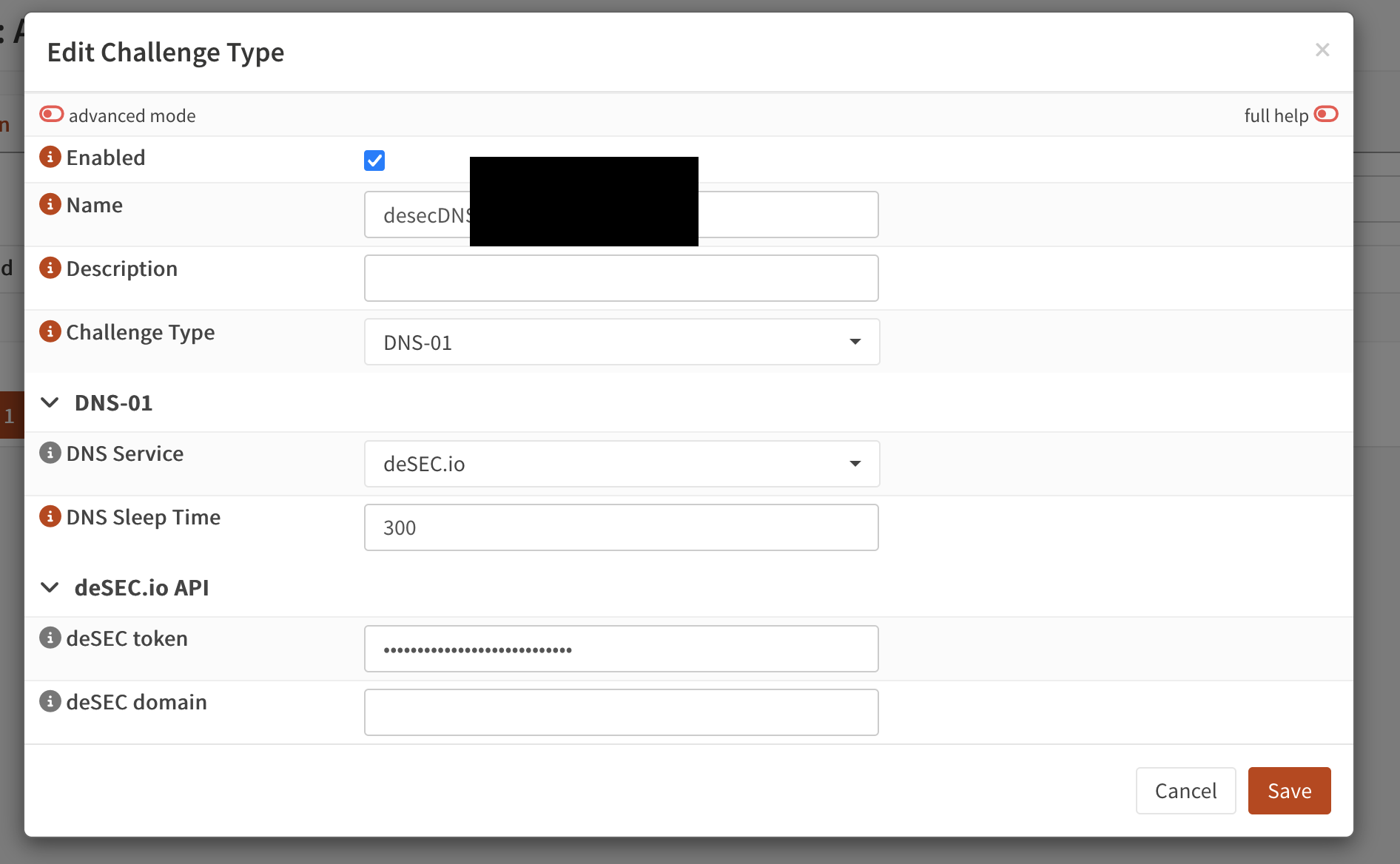
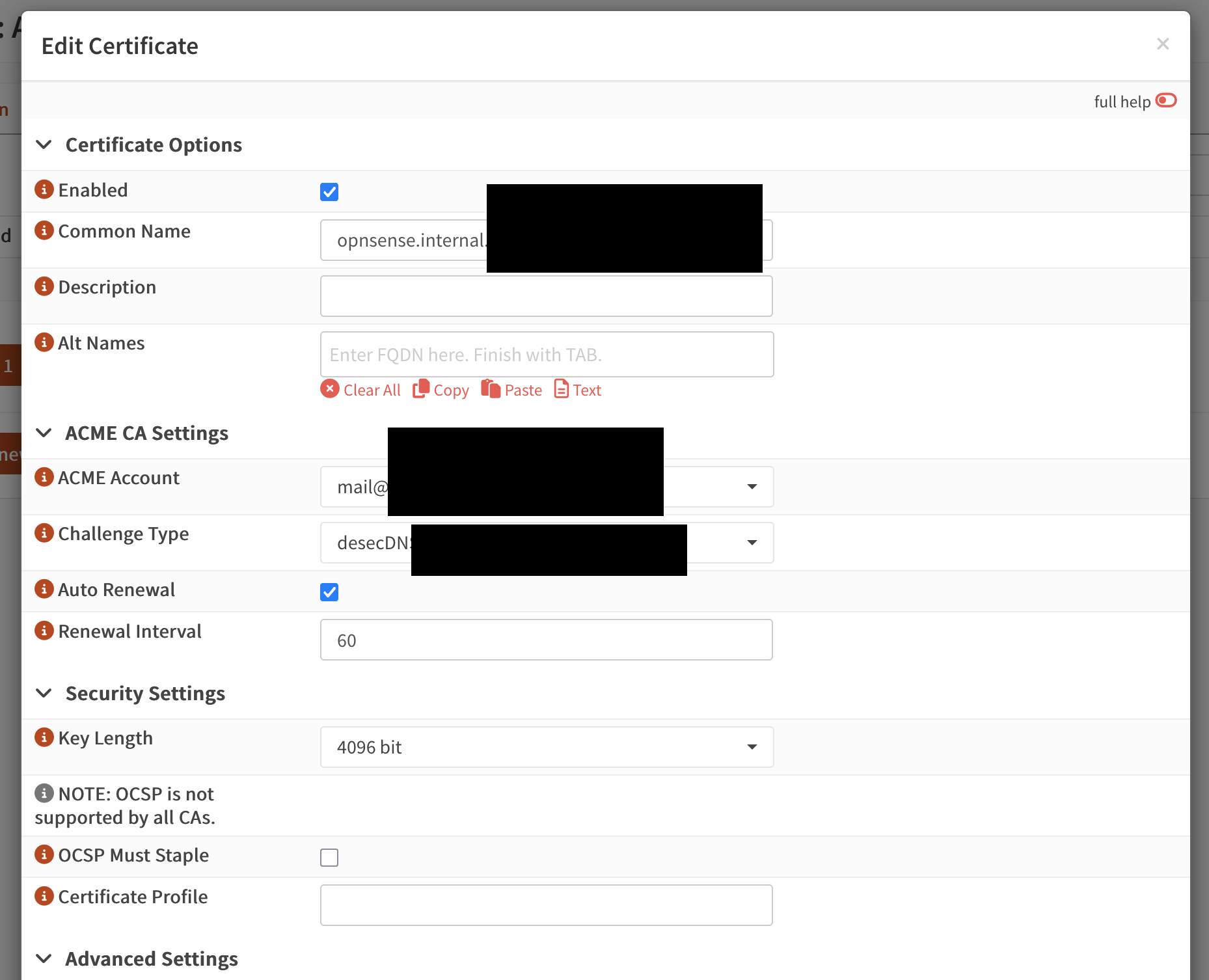
I need to set up DDNS on OpnSens, version 26.1.6.
I registered my domain and loaded the following into the ddclient plugin:
username = my-domain . dedyn . io
password = Token
I’m not sure where to put in ddclient the URL and what to put in Hostname.
I mainly need it to generate Let’s Encrypt certificates so I can have HTTPS on the firewall and on a couple of devices on the LAN.
At the moment, I don’t think there’s anything I can use externally; it’s just to avoid getting the error message every time I call a web app with HTTPS.
Thanks, but I still can’t get an IP address because the DDNS configuration in OpnSense is probably incorrect.
My question is about how to configure the service to obtain the IP address and only then configure Let’s Encrypts.
You don’t need DNS or DynDNS for the cert.
It is done by API, which temporary creates a TXT record on desec.io to proof to the DNS challenge that we own it.
So that has nothing to do with your IP or DynDNS.
If you want DynDNS, I wrote a script for that that runs on OPNsense and is specially tailored for desec.io, unlike the plugin for OPNsense.
Thank you, and I’ll be looking at the script with interest, including the PC and server versions.
But you still haven’t answered my question about how to configure the DDNS panel in OpnSense to have the IP assigned by DDNS dedyn.