I tried to replace my duckdns (working but not stable enough) by deSEC and faced the followng issue.
My configuration:
I have Nginx Proxy Manager v2.12.6
I created a proxy that redirects to http://127.0.0.1:8123/ which is Home Assistant. (https to http)
I created a certificate with letsencrypt with challenge (certbot-dns-desec~=1.2.1 is used by NPM)
When I connect from a brower/app, i got an error:
ERR_SSL_PROTOCOL_ERROR from chrome
SSL_ERROR_RX_RECORD_TOO_LONG from firefox
I spend a lot of time understanding why and never find the answer.
After some time, I decided to try dynu and did exactly the same proxy, it works !!!
Most likely you’re doing something different besides choice of DNS provider. You talk about “redirecting”, but you should be using a proxy host in NPM, not a redirection host.
You are right. It’s not a redirection but a proxy host on NPM.
Exact same config between deSEC and Dynu.
When I do an SSL check, it tell me that certificate is ok.
When I connect from a browser on the computer that runs NPM, it works without error.
When I connect from another computer, it fails.
Why Dynu and DuckDns, no issue.
Here is my config
server {
  set $forward_scheme http;
  set $server         "127.0.0.1";
  set $port           8123;
  listen 80;
listen [::]:80;

listen 443 ssl http2;
listen [::]:443 ssl http2;

  server_name ****.dedyn.io;

  # Let's Encrypt SSL
  include conf.d/include/letsencrypt-acme-challenge.conf;
  include conf.d/include/ssl-cache.conf;
  include conf.d/include/ssl-ciphers.conf;
  ssl_certificate /etc/letsencrypt/live/npm-9/fullchain.pem;
  ssl_certificate_key /etc/letsencrypt/live/npm-9/privkey.pem;

proxy_set_header Upgrade $http_upgrade;
proxy_set_header Connection $http_connection;
proxy_http_version 1.1;

  access_log /data/logs/proxy-host-10_access.log proxy;
  error_log /data/logs/proxy-host-10_error.log warn;

  location / {
    proxy_set_header Upgrade $http_upgrade;
    proxy_set_header Connection $http_connection;
    proxy_http_version 1.1;

    # Proxy!
    include conf.d/include/proxy.conf;
  }
  # Custom
  include /data/nginx/custom/server_proxy[.]conf;
}
It’s one difference between DNS providers.
When creating deSEC account, it propose you to click a link that update the ip. When I clicked this link, an AAAA record with my ipv6 was created. I then manually added an A record with my ipv4.
I tried to remove the AAAA record and it works well, no more error.
Do you know why ?
I will make some new research to understand.
Maybe it doesn’t work with ipv6 because the proxy do nothing with ipv6 (since ipv6 is a global unicast address). So the proxy directly send the request to my home assistant in ssl.
Is that correct ?
If you set the AAAA-record like you described, by setting the address of the web client, then you pointed the browser towards your client system, not your server. The possible mistakes are too numerous to guess. You have to figure out what the client tries to connect to and what is running there. NPM does support IPv6 and can forward requests from IPv6 to an IPv4 backend. That is not the issue. If you want to continue using IPv4 only, then configure your dynamic DNS client not to set an AAAA record. Note that one is set automatically if you do not put the address in the URL explicitly and connect to desec.io via IPv6.
[quote=“GenericUser, post:9, topic:1456, full:true”]
If you set the AAAA-record like you described, by setting the address of the web client, then you pointed the browser towards your client system, not your server. The possible mistakes are too numerous to guess.[/quote]
I created the account from the server. I have a debian with desktop and I have a browser.
Server is at home. The ip address that have been send to deSEC is the good one (ipv6 from my home).
Also I setup a port redirection on my router, all incoming request on port 8133 are redirected to port 443 of my server.
Chrome devtools doesn’t say so much.
I just see that I get no response and status is ERR_SSL_PROTOCOL_ERROR.
Maybe there is another tools that gives more details.
ipv4 is ok for me and works well. It was just to understand why it doesn’t work.
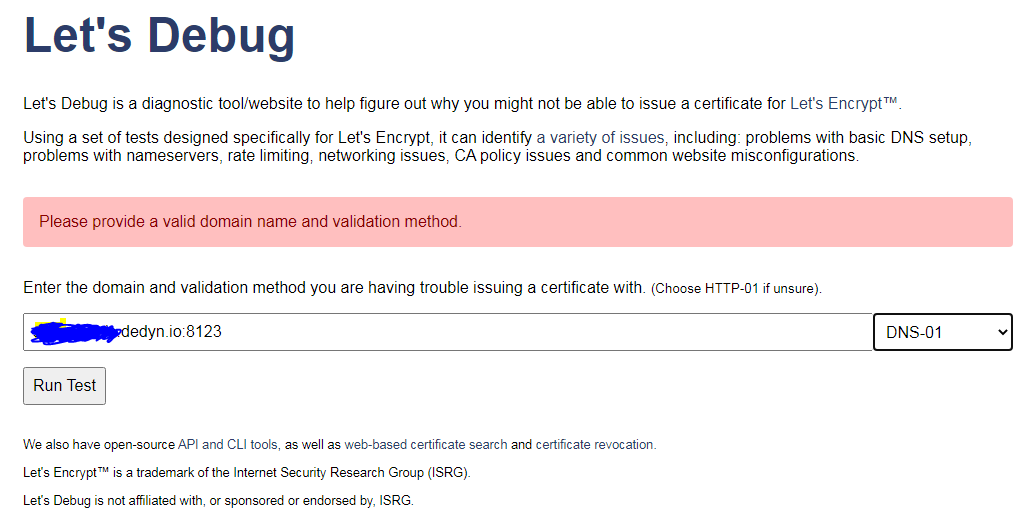
It doesn’t allow to give a domain with a port : domain.com:8123
This will probably not work for IPv6. Port forwarding is usually only configured for inbound connections to the router IP(v4) address.
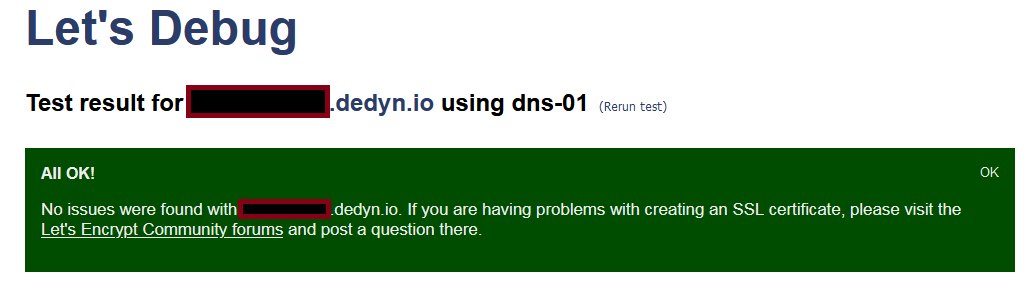
Doesn’t need to. “certbot-dns-desec” is used for the DNS-01 challenge. I don’t think getting the certificate is a problem. The browser connects to an address and port where NPM isn’t listening for a HTTPS connection. Probably this: The high port isn’t exposed/published by the NPM container and the router doesn’t NAT the connection to the default port that is exposed.
Is the certificate even a problem? I assume you got that, because there wouldn’t be a secure connection with IPv4 otherwise. Check the open ports. When you connect to your server IPv6 address from inside your network, the packets don’t even pass through the router. There isn’t any port forwarding, so you need to connect to the right port with IPv6, if you want to use that. I recommend that you expose the NPM HTTPS port on the port number that you want to use and forward from the router’s external port to the same port on the server. Then there is no difference between IPv4 and IPv6 with regard to the port number.
Ok I got it.
The port on my router is 8123.
The port on my server is 443.
Since ipv6 point directly to the server and not to the router, I need to put the port of the server => https://domain.ipv6:443
My error was that I did : https://domain.ipv6:8123
So now I fully understand what you say here.
Port need to be the same so that there is no difference between IPv4 and IPv6.